
Safepoint has introduced a new Task Time Limits feature, giving organisations greater control over task durations for lone workers.
The update allows administrators to define minimum and maximum time limits for both task creation and task extension, ensuring lone workers operate within the boundaries of their organisation’s lone working policies. The feature is now live and available within team settings in the Safepoint Lone Worker Management Portal.
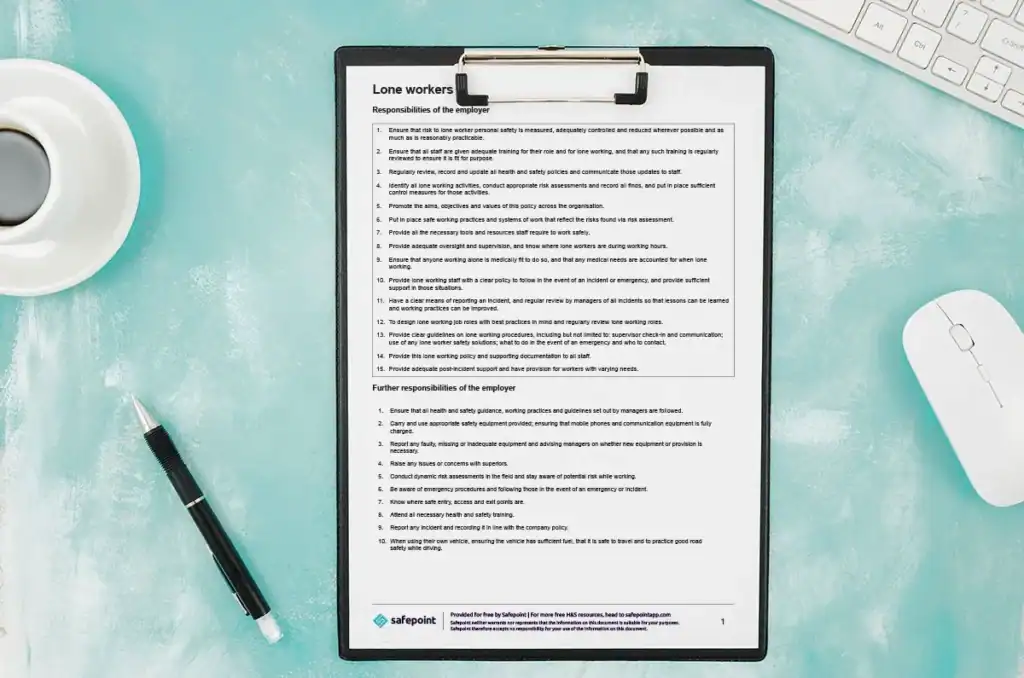
Many organisations have clear lone worker policies that define how often workers should check in, for example every 30 minutes or every hour. Until now, Safepoint allowed a high degree of flexibility when creating or extending tasks, meaning tasks could be set for longer or shorter periods than intended by policy.
While flexibility is important, this could sometimes lead to situations where lone workers unintentionally moved outside agreed safety procedures. Task Time Limits address this by allowing organisations to set clear guardrails around how tasks are used in practice.
With the new feature enabled, lone workers can only create or extend tasks within the time limits defined by their organisation. This helps ensure consistent check-in behaviour and reduces the risk of tasks being left active for too long without review.
Check-in frequency is a key factor in lone worker safety. Shorter task durations generally increase safety by ensuring more frequent contact, but overly strict limits can be impractical or disruptive, particularly for lower-risk roles.
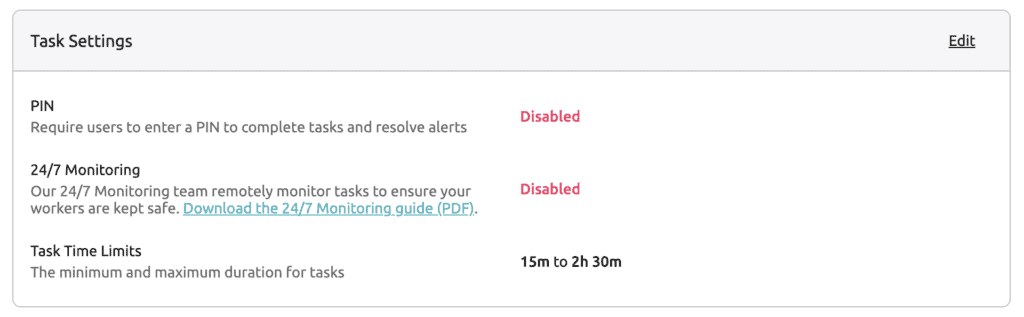
Task Time Limits are designed to support that balance. For example, an organisation might set a minimum task duration of 15 minutes and a maximum of 60 minutes, ensuring both task creation and extension stay within those limits. This encourages regular check-ins without placing unnecessary burden on workers carrying out routine or low-risk activities.
By setting sensible boundaries, organisations can apply different rules for different teams, roles, or risk profiles, all while maintaining consistency with internal safety policies.
Task Time Limits are configured on a team-by-team basis within the Safepoint web portal. Administrators can define minimum and maximum task durations and update these settings at any time as policies evolve.
Once configured, the feature is built directly into the Safepoint lone worker app experience. Lone workers do not need to change how they use the app. The app simply guides them to select task durations that fall within the allowed limits, reinforcing policy compliance without additional training or manual oversight.
Task Time Limits are a small but important improvement for organisations serious about lone worker safety. By aligning technology with written policies, businesses can reduce ambiguity, improve consistency, and ensure lone workers are protected in a way that is both effective and practical.
The feature is now available to all customers and can be enabled within team settings in the Safepoint web portal.
You can find out how to configure Task Time Limits in the support guide here.


